Business WiFi Installation Dubai: How to Fix Slow Office WiFi and Plan Reliable Coverage
Business WiFi installation Dubai guide for offices that need stronger coverage, guest WiFi, secure VLANs, and fewer dropouts across daily operations today.

Dubaitech
Network Infrastructure Team
Business WiFi Installation Dubai: How to Fix Slow Office WiFi and Plan Reliable Coverage
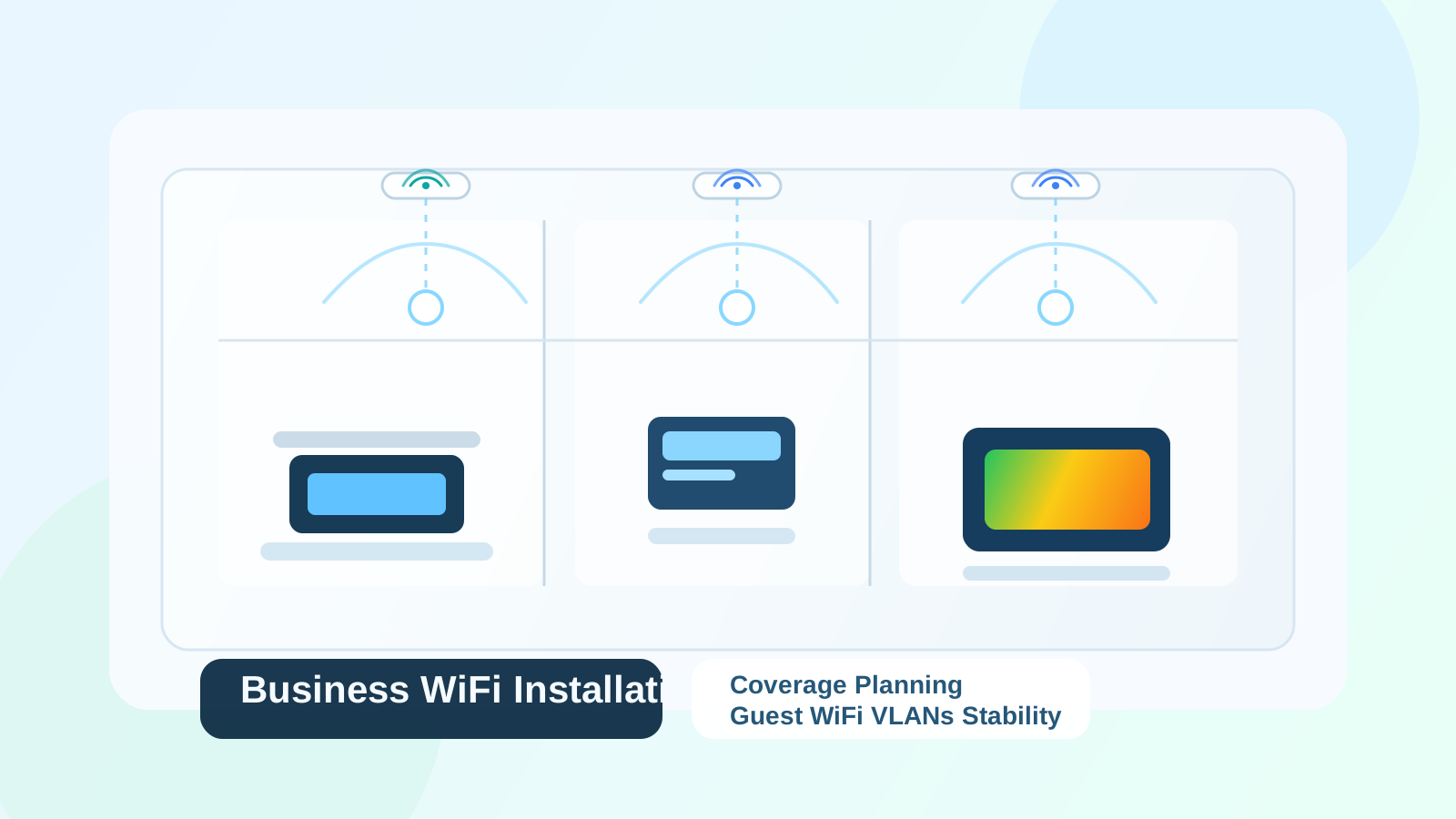
If your office internet feels unstable, the issue is often not the ISP alone. In many UAE workplaces, the real problem is poor wireless design, weak access point placement, no guest segmentation, or a network that was never planned for current device density. A proper business WiFi installation Dubai project focuses on coverage, capacity, roaming, security, and manageability so your staff can work without constant interruptions.
For businesses in Dubai, reliable WiFi is no longer a convenience. It supports laptops, mobile phones, meeting room screens, cloud applications, printers, scanners, VoIP devices, and guest access. When the wireless network is unreliable, meetings lag, calls drop, uploads fail, and users lose time every day.
Why Office WiFi Problems Keep Coming Back
Many businesses try to solve wireless issues by replacing one router and hoping for better results. That rarely works for long because the root cause is usually deeper than a single device.
Common reasons office WiFi becomes slow or unstable include:
- Access points placed for convenience instead of coverage.
- Too many users sharing one wireless radio.
- Glass partitions, storage racks, or concrete walls weakening signal strength.
- No separation between employee traffic and guest traffic.
- Poor switch capacity, old cabling, or power issues.
- Interference from neighboring networks and unmanaged channel planning.
- No central controller or monitoring for performance and firmware.
In practice, businesses often blame "the internet" when the real bottleneck is the local wireless design. That is why a structured business WiFi solution in Dubai should start with assessment, not guesswork.
What a Good Business WiFi Installation Dubai Project Should Include
A professional business WiFi installation Dubai deployment should be planned around how people actually use the office, not just around the floor plan.
At minimum, the project should include:
- Coverage planning for desks, meeting rooms, reception, shared spaces, and storage areas.
- Capacity planning for the number of users and devices expected at peak times.
- Secure staff and guest network separation using VLANs or isolated SSIDs.
- Firewall policy alignment for internet access, content control, and segmentation.
- Access point placement based on wall materials, ceiling height, and interference.
- Controller setup for monitoring, firmware updates, and policy consistency.
- Validation testing after installation to confirm speed, roaming, and stability.
This is especially important in Dubai offices with meeting-heavy teams, shared workspaces, clinics, retail sites, warehouses, and companies using Microsoft 365 or cloud apps throughout the day.
1. Start With a WiFi Survey, Not a Router Purchase
One of the most expensive mistakes is buying hardware before understanding the environment. An office with glass meeting rooms, metal shelving, thick walls, or many neighboring networks may need a very different layout from an open-plan office.
A WiFi survey should review:
- Floor layout and room usage.
- Approximate user count and device count.
- Dead zones and complaint areas.
- Existing cabling and switch availability.
- Internet handoff and firewall position.
- Interference sources and neighboring SSIDs.
The outcome should be a design decision, not just a product recommendation. For companies opening or fitting out a new branch, this planning should happen before move-in, ideally alongside new office IT setup in Dubai work so cabling, rack placement, firewall position, and access point locations all align.
2. Coverage Alone Is Not Enough
Some offices appear to have full signal bars but still perform badly. That is because signal visibility is not the same as real wireless performance.
A network can show "good WiFi" while still suffering from:
- Too many devices on one access point.
- Poor roaming between access points.
- High latency during calls and Teams meetings.
- Authentication delays.
- Limited upstream switch throughput.
- Weak DHCP or DNS response.
This is why business wireless design must account for capacity and application behavior, not just whether a phone can detect the SSID.
3. Guest WiFi Must Be Separated Properly
Guest access is one of the biggest reasons small office WiFi becomes risky. If visitors share the same flat network as company laptops, printers, file shares, and meeting room devices, the business creates unnecessary exposure.
A better guest design includes:
- Separate guest SSID.
- Guest isolation from internal devices.
- Bandwidth limits where appropriate.
- Password rotation or captive portal options.
- Firewall rules that restrict internal network access.
This setup protects the office while still giving visitors and clients the access they need. It also reduces the chance that personal devices affect the performance of operational systems.
4. Business WiFi Installation Dubai Should Be Managed, Not Forgotten
Many offices install WiFi once and ignore it for years. That leads to outdated firmware, inconsistent settings, poor troubleshooting, and recurring complaints that nobody can measure properly.
A managed approach helps because the support team can:
- Review access point health and uptime.
- Push firmware updates safely.
- Track client load and channel utilization.
- Investigate recurring user complaints.
- Confirm roaming behavior and signal quality.
- Coordinate switch, firewall, and DHCP troubleshooting.
If your team already relies on a support partner for endpoints, Microsoft 365, servers, and network issues, WiFi should sit within the same operational model. That is where broader IT support in Dubai or AMC coverage can make the environment more stable long term.
5. The Right Hardware Depends on the Business Environment
Not every office needs the same hardware profile. A small professional office may need a modest controller-based setup, while a warehouse, clinic, school, hospitality venue, or multi-floor workspace may need more capacity, more access points, and tighter roaming behavior.
The best choice depends on factors such as:
- Number of concurrent users.
- Type of applications in use.
- Voice and video calling requirements.
- Guest traffic volume.
- Building materials and layout.
- Growth plans over the next 12 to 24 months.
This is also why consumer-grade routers often fail in commercial spaces. They are not built for consistent multi-user business workloads, segmented guest networks, controller visibility, or structured troubleshooting.
6. Signs That Your Business Needs a WiFi Upgrade
If your staff keeps raising the same complaints, the wireless network may already be costing the business more than the upgrade itself.
Typical warning signs include:
- Meetings freeze or lag in certain rooms.
- Staff disconnect and reconnect throughout the day.
- Printers or scanners disappear from the network.
- Guest WiFi slows down employee activity.
- Coverage is fine near reception but weak at desks or meeting areas.
- New hires and new devices make the office noticeably slower.
- The office still depends on an ISP router as the main WiFi platform.
These are not just user annoyances. They affect customer response time, staff productivity, cloud access, and confidence in the IT environment.
Plan WiFi Like Infrastructure, Not Like a Gadget
The best wireless networks are treated as core business infrastructure. They are planned with the same care as firewalls, switches, structured cabling, and internet circuits.
If your business is dealing with slow wireless performance, unstable roaming, poor guest setup, or recurring dead zones, Dubaitech can review the environment and recommend a practical fix based on office layout, user load, and security requirements.
Talk to Dubaitech about Business WiFi installation in Dubai and get a wireless setup that supports your users properly.
Need help applying this in your business?
Dubaitech helps UAE businesses turn IT guidance into secure, reliable infrastructure with practical support from certified engineers.
Google Preferred Sources
Prefer Dubaitech on Google
Choose Dubaitech once to help Google surface our latest UAE IT guides when relevant.